
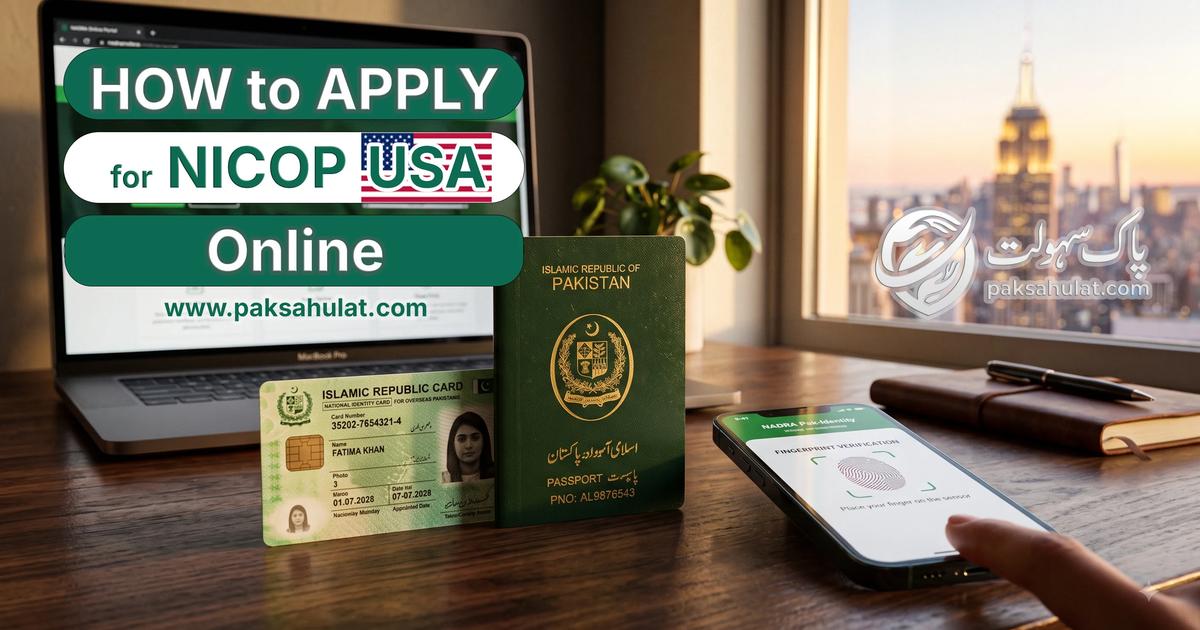
If you are an Overseas Pakistani living in the United States, you already know the anxiety that comes with an expiring National Identity Card for Overseas Pakistanis (NICOP).
Whether you need to travel back to Pakistan urgently, manage inherited property, or operate a Roshan Digital Account, an active NICOP is your lifeline. However, navigating the online application process from a different time zone—especially when the Pak-Identity app crashes or your fingerprints won't scan—can be incredibly frustrating.
This guide answers exactly how to apply for NICOP in USA, detailing the 2026 online process, official fee structures, delivery timelines, and foolproof solutions for common NADRA login issues.
What is a NICOP and Do You Need One?
A NICOP is an official registration document issued to eligible citizens of Pakistan who live abroad or hold dual nationality. Holding this overseas Pakistani card provides several major benefits:
- Visa-Free Entry: Travel to Pakistan without requiring a visa on your US passport.
- Property & Banking: Buy or sell real estate in Pakistan and open local bank accounts (including the Roshan Digital Account).
- Machine Readable Passport (MRP): You must have a valid NICOP to apply for or renew your Pakistani passport.
NICOP vs. POC (Pakistan Origin Card)
Many expats confuse the NICOP with the POC.
- NICOP is for individuals who still hold Pakistani citizenship (or dual citizenship with the US). For a full breakdown of approved dual-nationality laws and eligibility, check our NICOP Pakistan Complete Guide 2026.
- POC is for individuals who have officially surrendered their Pakistani nationality or for foreign nationals married to Pakistani citizens.
2026 Official NADRA NICOP Fees for USA (Zone A)
NADRA categorizes the USA and Europe under Zone A. All online applications submitted via the Pak-Identity portal must be paid using a valid Visa or Mastercard credit/debit card. (To compare US rates with Middle East and European fee tiers, view the global 2026 NICOP fee structure).
Here is the exact fee structure and expected processing timeline for 2026:
| Application Priority | NADRA Processing Fee (USD) | Estimated Delivery Time |
|---|---|---|
| Normal | $39.00 USD | 31 Days |
| Urgent | $57.00 USD | 23 Days |
| Executive | $75.00 USD | 09 Days |
Required Documents for US Citizens & Residents
Before you sit down to start your application, gather these documents. Having them scanned and ready on your computer will prevent your online session from timing out.
- Adults (Renewal/Modification): Copy of previous CNIC/NICOP, Valid Pakistani or US Passport, Passport-sized photo (White background), Valid US Residence Proof (Green Card, US Visa).
- Minors (Under 18): Detailed Birth Certificate (showing both parents' names), CNIC/NICOP copies of both parents, Passport-sized photo of the child.
- First-Time Applicants: Original Birth Certificate, Parent's or Sibling's CNIC/NICOP, Presence of a blood relative's ID for family linkage.
How to Login to NADRA & Renew NICOP Online (Fixing Errors)
One of the most highly searched questions by expats is exactly how to login nadra renew nicop online without the system crashing.
The Pak-Identity system utilizes two platforms: the web portal (for uploading documents and payment) and the mobile app (for biometrics). Here is how to bypass the most common bottlenecks.
1. The OTP (One Time Password) Email Delay
When registering an account on the Pak-Identity web portal, many US users report that the verification PIN never arrives.
The Fix: Do not use Yahoo or older ISP email addresses (like Comcast or AOL). Gmail addresses have the highest success rate with NADRA's automated servers. Always check your "Promotions" and "Spam" folders, as the OTP frequently gets filtered out.
2. Pak-Identity App Login Issues
If the mobile app keeps throwing a "Network Error" or "Session Expired" warning when you try to log in.
The Fix: The app occasionally struggles with US IP addresses routing through commercial VPNs. Disconnect any active VPNs on your phone (like NordVPN or ExpressVPN) and try logging in via your standard cellular data (AT&T, Verizon, T-Mobile) rather than your home Wi-Fi.
3. Fixing Fingerprint Scanning Errors
The most notorious hurdle to apply nicop online is getting the Pak-Identity app to accept your fingerprints. If you have scanned your hand 20 times and it keeps failing, follow these rules:
If the app absolutely refuses to work, you can fall back to the manual method: Download the fingerprint form from the web portal, ink your fingers manually (use a standard black ink pad), scan the paper at 600 DPI, and upload the PDF directly to the website.
Step-by-Step: Applying for NICOP Online
Once your documents are ready and your login is secure, the actual process to complete your nicop renewal online is straightforward:
- Visit the official NADRA Pak-Identity Portal.
- Select Apply for National Identity Card for Overseas Pakistanis (NICOP).
- Fill in your personal, family, and US address details.
- Pay the application fee using a US-issued Visa or Mastercard credit/debit card.
- Upload your white-background photograph and scanned documents.
- Complete the biometric verification (via the Pak-Identity app or manual form upload).
- Submit the final declaration.
For background removal you can also use our own free tool by clicking this button below or visit tools page from navbar.
NADRA NICOP Tracking: What Do the Statuses Mean?
After submitting, you can use the nadra nicop tracking feature on the web portal to monitor your application's status. Because international shipping is involved, checking your nadra id card tracking updates will save you a lot of anxiety.
- Submitted / In Process: Your application is received and is undergoing manual verification by a NADRA officer.
- Deferred: Action required. NADRA needs a clearer fingerprint scan, a better photo, or an additional document. Check your email immediately.
- Sent to Printing: Your application is approved. The physical card is being manufactured in Islamabad.
- Dispatched: The card has been handed over to the courier (usually DHL for the USA). You will receive a separate DHL tracking number to monitor its flight to America.


