
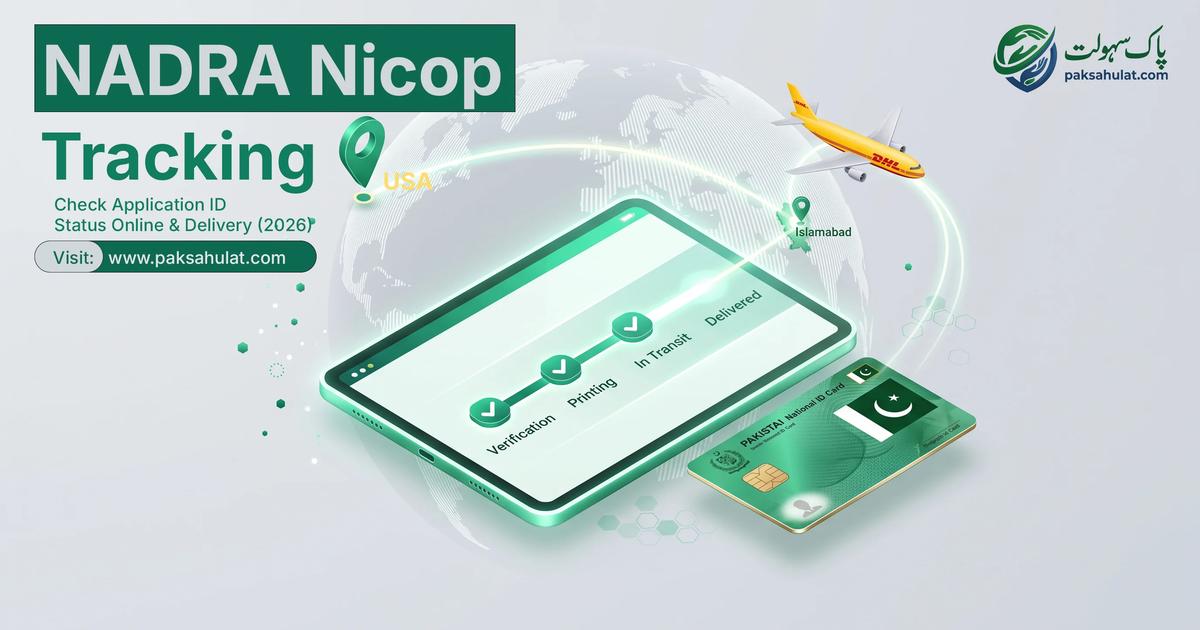
Submitting an application for a National Identity Card for Overseas Pakistanis (NICOP) is only half the journey. For expatriates residing across the United States, United Kingdom, Canada, Europe, and the Middle East, the post-submission waiting period often triggers significant anxiety—especially when urgent international travel, visa renewals, or property transactions depend on an active identity card.
Fortunately, the digitized Pak-Identity infrastructure allows applicants to perform a nadra tracking id check online in real-time. By monitoring your application lifecycle through official verification checkpoints, printing stages, and international courier dispatch, you can pinpoint the exact status of your identity card and prevent unexpected delays.
This comprehensive guide details the exact step-by-step methods for nadra id card tracking, provides an exhaustive breakdown of internal status codes, outlines 2026 delivery timelines by country zone, and explains how to monitor international DHL courier shipments.
4 Ways to Track Your NADRA Application Status
Depending on where and how you submitted your application, choose the tracking method that matches your channel:
Method 1: Online Web Portal Tracking (Desktop)
Best for applications submitted directly on a computer via the Pak-Identity website:
- Navigate directly to the authenticated portal URL:
https://id.nadra.gov.pk. - Enter your registered Email Address and Master Password. Complete the visual Captcha verification.
- Open the "Existing Applications" tab from your main dashboard navigation.
- Locate your 12-digit Tracking ID (Application Reference Number).
- Click "View Details" or "Action" adjacent to your application to open the comprehensive milestone tracker.
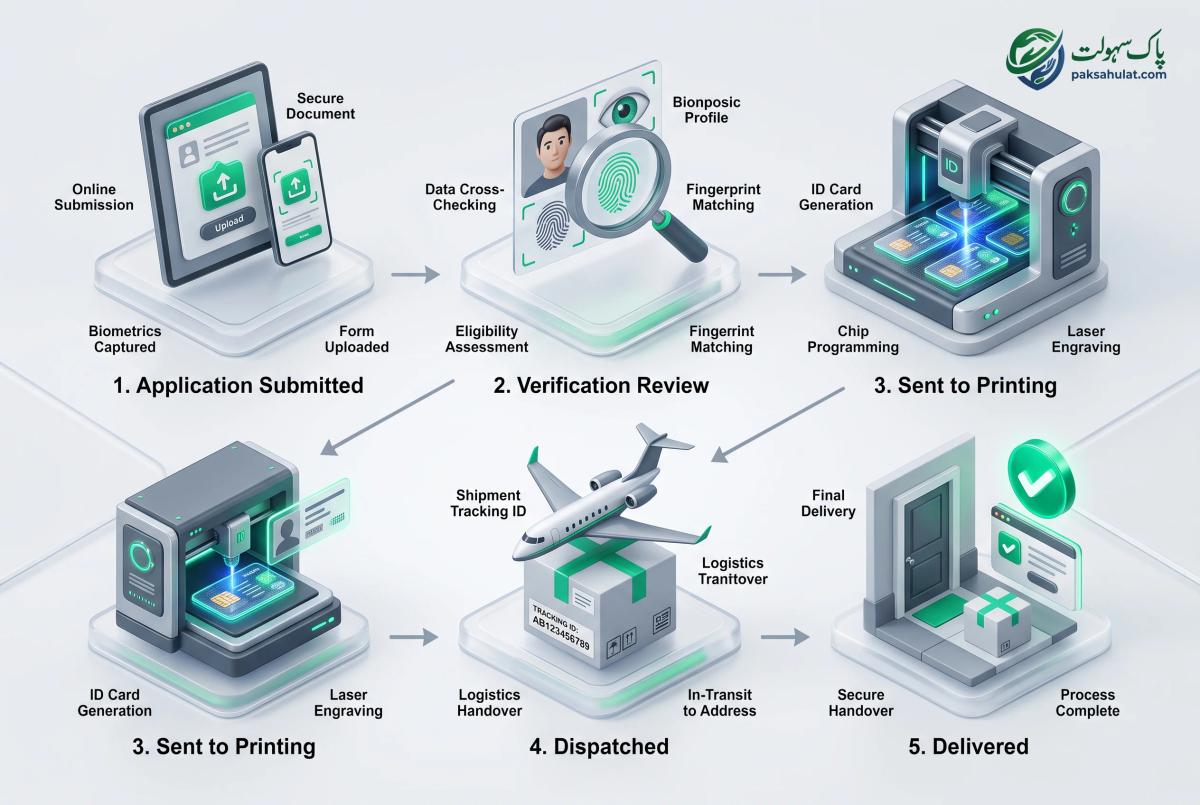
Method 2: Pak-Identity Mobile App Tracking
Best for quick status checks on your smartphone:
- Open the Pak-Identity mobile application on your iOS or Android device.
- Sign in using your registered credentials or biometric Face ID / Fingerprint login.
- Tap on "Application Status" to view real-time stage updates and push notifications.
Method 3: 8400 SMS Tracking (For Domestic Walk-Ins Only)
If you or a family member submitted an application physically at a NADRA Mega Center inside Pakistan:
- Open the messaging app on a local Pakistani SIM card (Jazz, Telenor, Zong, Ufone).
- Type your 12-digit Tracking ID without hyphens or spaces.
- Send the SMS to
8400to receive an automated reply with your current status. (Note: The 8400 SMS tracking service does not work from international overseas phone numbers).
Method 4: DHL International Courier Tracking (Post-Dispatch)
Once your card printing is complete and the status updates to "Dispatched", physical delivery shifts to DHL Express:
- Check your registered email for the official NADRA dispatch notification.
- Locate your 10-digit DHL Air Waybill (AWB) number.
- Visit
dhl.comto track the physical flight and customs clearance of your parcel.
Comprehensive Decoding of NADRA Tracking Statuses
When monitoring your nadra tracking id, your application will transition through multiple automated and manual checkpoints. Understanding these statuses will tell you immediately whether your application is proceeding normally or requires urgent corrective action.
| Official Tracking Status | Internal Workflow Meaning | Action Required by Applicant |
|---|---|---|
| Draft / Incomplete | Application form created but fee or biometrics remain unsubmitted. | Complete document uploads and process payment within 60 days. |
| Submitted / Payment Verified | Fee successfully deducted and file entered into the national processing queue. | None. File is awaiting assignment to a verification case officer. |
| In Process / Under Review | Case officer is verifying supporting documents, CNIC linkage, and database records. | None. Routine administrative background review. |
| Deferred (Action Required) | Discrepancy detected. Unclear biometrics, shadowed photograph, or unverified family linkage. | Urgent Action. Check registered email, review officer remarks, upload corrections, and resubmit. |
| Approved / Verification Complete | All identity, security, and documentary clearances have passed successfully. | None. File has been queued for smart card production. |
| Sent to Printing | Cryptographic data encoded into the physical Smart Chip at NADRA HQ Print Facility. | None. Physical card manufacturing in progress. |
| Printed | Physical card produced, quality tested, and packaged for courier handover. | Prepare for dispatch notification. |
| Dispatched | Parcel transferred to courier service (DHL for overseas / Pakistan Post for domestic). | Track transit via DHL Air Waybill (AWB) number. |
| Delivered | Consignment successfully delivered and signed for at destination address. | Verify card details upon arrival. |
| Cancelled / Rejected | Application terminated due to fraudulent documents or unresolved deferral after 180 days. | Must file an official appeal or submit a fresh application. |
2026 Processing & Delivery Timelines by Zone
The total turnaround time from initial submission to final physical delivery depends on your selected application priority (Normal, Urgent, Executive) and your geographic country zone.
| Priority Category | Internal NADRA Processing Time | International Courier Transit (DHL) | Total Estimated Turnaround |
|---|---|---|---|
| Executive (Zone A - US, UK, EU, CA) | 7 to 9 Working Days | 3 to 5 Working Days | 10 to 14 Calendar Days |
| Urgent (Zone A - US, UK, EU, CA) | 18 to 23 Working Days | 3 to 5 Working Days | 21 to 28 Calendar Days |
| Normal (Zone A - US, UK, EU, CA) | 31 Working Days | 4 to 6 Working Days | 35 to 40 Calendar Days |
| Executive (Zone B - Middle East, GCC) | 7 to 9 Working Days | 2 to 4 Working Days | 9 to 13 Calendar Days |
| Urgent (Zone B - Middle East, GCC) | 18 to 23 Working Days | 2 to 4 Working Days | 20 to 27 Calendar Days |
| Normal (Zone B - Middle East, GCC) | 31 Working Days | 3 to 5 Working Days | 34 to 38 Calendar Days |
(Note: Working days exclude gazetted Pakistani public holidays and weekends. Deferrals pause the processing timer until corrected documents are approved).
How to Resolve a "Deferred" Status Immediately
A Deferred status is the single most common reason overseas identity applications experience multi-month delays. When an application is deferred, the legal processing countdown stops completely.
Once an application is marked "Deferred," you have exactly 180 days to satisfy the officer's objections and upload corrected files. If left unresolved after 180 days, the tracking ID is automatically cancelled, and all government fees are forfeited.
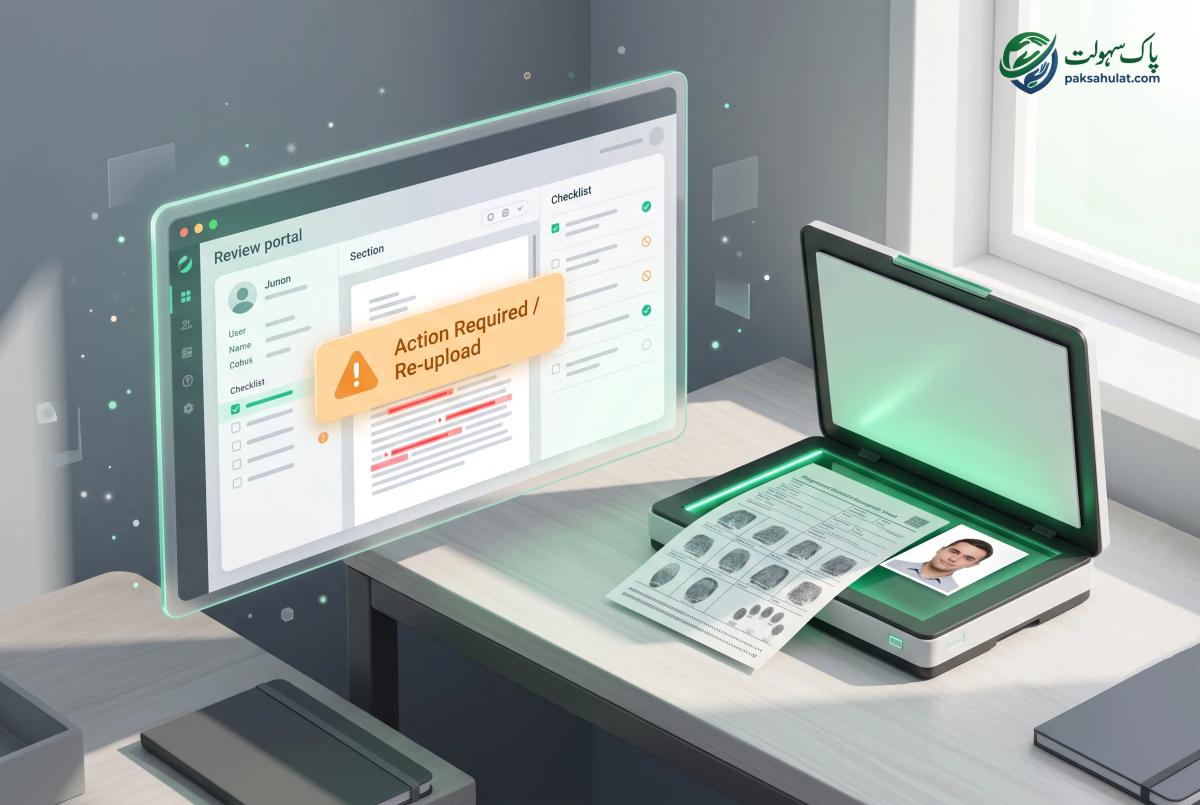
The 4-Step Deferral Resolution Protocol:
- Review Officer Remarks: Log into
id.nadra.gov.pk, navigate to your application row, and click "View Remarks". Read the specific objection entered by the verifying officer. - Prepare Corrected Documentation:
- If Biometrics Failed: Follow our Biometric Calibration Method on pure white paper, or download the printable manual fingerprint form, ink manually with black stamp ink, scan at 600 DPI grayscale, and upload.
- If Photo Rejected: Re-take your portrait in bright, indirect daylight against a seamless white background. Use the Paksahulat Passport Photo Tool to crop and size within 5 MB.
- If Family Linkage Questioned: Upload certified copies of your father’s CNIC, computerized Marriage Registration Certificate (FRC/Nikahnama), or parent birth certificates.
- Upload via Correction Tab: Upload the requested replacement files exclusively in PDF or JPEG format.
- Click "Re-Submit for Review": Ensure you click the final submission button. Merely uploading a file without re-submitting keeps the application in a paused state.
International Delivery: Tracking Your DHL Express Consignment
Once your nadra tracking status officially updates to Dispatched, custody of your card shifts from NADRA Headquarters in Islamabad to international logistics handlers.
| Destination Region | |||
|---|---|---|---|
| United States & Canada | DHL Express Worldwide | https://dhl.com/en/express/tracking | 3 to 5 Business Days |
| United Kingdom & Europe | DHL Express Worldwide | dhl.co.uk/en/express | 2 to 4 Business Days |
| Middle East (UAE, KSA, Qatar) | DHL Express / Empost / SMSA | Regional Carrier Portal | 2 to 4 Business Days |
| Australia & New Zealand | DHL Express International | https://dhl.com/au-en | 4 to 6 Business Days |
How to Monitor Your DHL Transit:
- When the status changes to "Dispatched," check your registered email inbox for the official NADRA Dispatch Notification containing your 10-Digit DHL Waybill Number.
- Visit
https://www.dhl.comand input your 10-digit Waybill number into the tracking bar. - Opt in for DHL On Demand Delivery (ODD) alerts via SMS/Email. This enables you to authorize contactless delivery, request neighbor drop-off, or schedule delivery for a specific date if you are away from home.
What to Do If Your Card Is Lost or Delayed in Transit
If your tracking status shows Dispatched but your DHL consignment has not arrived within 10 business days:
- Step 1: Check Customs Clearance Status: On the DHL tracking portal, verify if the shipment is marked with a "Customs Status Updated" or "Clearance Event". International identity cards occasionally undergo random security scans by US Customs and Border Protection (CBP) or UK Border Force.
- Step 2: Contact NADRA Overseas Support: If the courier indicates the parcel was returned to origin or lost, open an official tracking ticket via the NADRA Central Complaint Management System (CMS) at
complaint.nadra.gov.pk. - Step 3: Direct Consular Escalation: Reach out to the consular wing of your regional Pakistani Embassy (e.g., Washington D.C., London, or Dubai) citing your 12-digit Tracking ID and DHL Air Waybill number for expedited physical tracing.
For a complete breakdown of global fees, dual nationality rules, and overall eligibility, read our NICOP Pakistan Complete Guide 2026. If you need specific regional protocols, return to our master resource hub on How to Apply for NICOP in the USA.


