
Renewing your National Identity Card for Overseas Pakistanis (NICOP) from abroad should be a streamlined digital process.
However, thousands of expatriates across the United States, the United Kingdom, Europe, Canada, and the Gulf region encounter frustrating technical hurdles every week.
Between unreceived OTP verification emails, recurrent "Session Expired" logouts, and biometric scanners rejecting fingerprints on the fifteenth attempt, knowing how to login and renew a NICOP online correctly will save you days of delayed processing.
This guide provides a comprehensive troubleshooting breakdown for the official NADRA Pak-Identity web portal and mobile app, covering account setup, error resolutions, biometric scanning techniques, and tracking procedures.
The Dual Architecture: Web Portal vs. Mobile App
NADRA splits the online identity workflow across two separate platforms. Attempting to execute all steps exclusively on one platform is the leading cause of failed applications.
| Application Stage | Web Portal (id.nadra.gov.pk) | Mobile App (Pak-Identity) |
|---|---|---|
| Account Registration & Login | Primary (Recommended) | Secondary |
| Application Setup & Form Filling | Full Support (Easiest) | Supported |
| Fee Payment (Credit/Debit Card) | Secure 3D Gateway | Integrated In-App Payment |
| Biometric Fingerprint Scanning | Manual Form Upload Only | Automated Real-Time Camera Scan |
| Live Facial Photograph Capture | File Upload Only | Live Camera ICAO Verification |
| Application Tracking & Status | Live Tracking Dashboard | Push Notifications |
Step-by-Step: Account Creation & Login Protocol
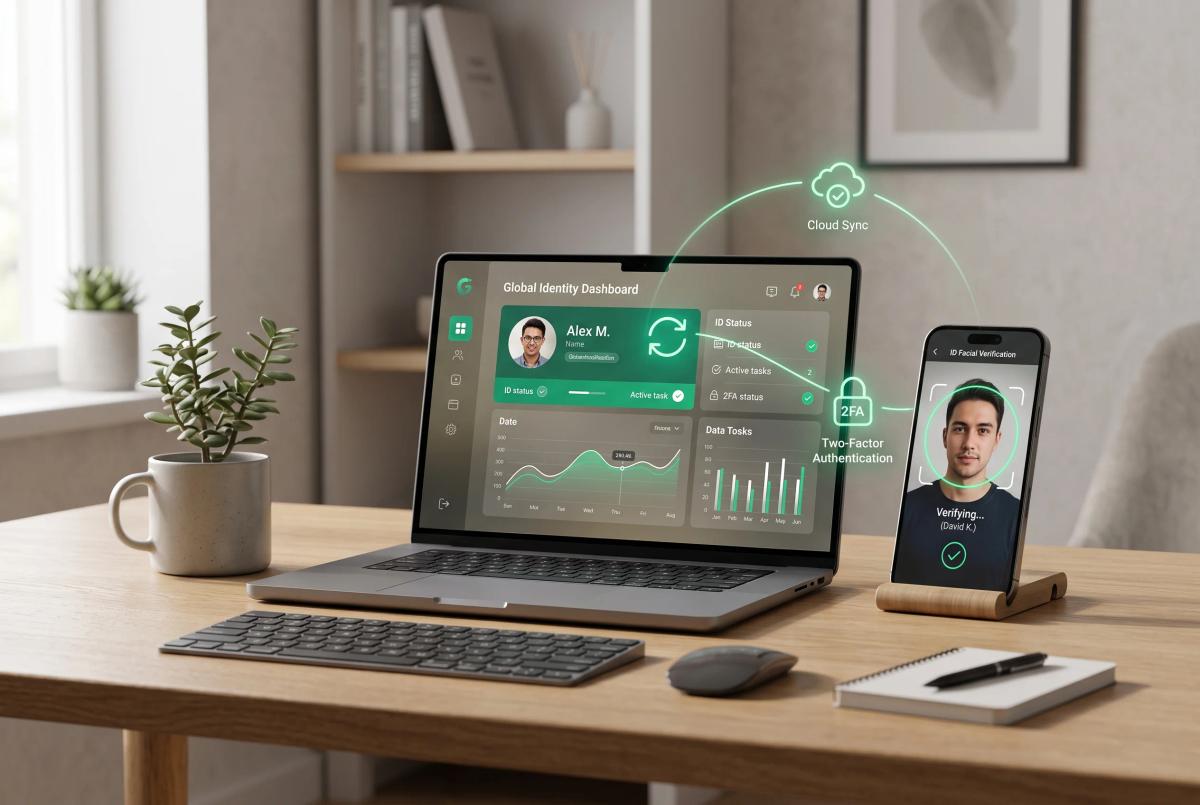
To begin your nicop renewal online, follow this authenticated login sequence on the official pak identity website:
- Navigate directly to the official URL:
https://id.nadra.gov.pk. - Select "Register an Account" on the top navigation bar.
- Enter your legal First Name, Last Name, and active Email Address.
- Input your mobile phone number with the appropriate country dialing code (e.g.,
+1for USA/Canada,+44for UK,+971for UAE). - Set an enterprise-grade password containing at least 8 characters, including an uppercase letter, lowercase letter, number, and symbol.
- Select "Email" as your preferred verification channel.
Troubleshooting NADRA Web Portal Login Issues
| Problem Encountered | Primary Cause | Immediate Solution |
|---|---|---|
| Missing Email OTP | Server relay delay / Spam filters | Switch to Gmail/Outlook; check Spam/Promotions tab; wait 5 mins before resending. |
| Invalid Credentials Error | Password case mismatch or hidden spaces | Clear browser cache; use Incognito window; reset password via email verification. |
| Frequent Session Timeouts | 15-minute idle security timer | Pre-scan all documents and images before starting the session. |
| Payment Gateway Rejection | International 3D Secure block | Call your bank to authorize a foreign transaction processed by Bank Alfalah Pakistan. |
Solving the Missing OTP (One Time Password)
- EmailThe verification PIN is generated automatically by NADRA's authentication servers. If it does not arrive within 3 minutes.
- Do not click "Resend OTP" repeatedly. Each new request invalidates the previous PIN and extends the server throttling cooldown.
- Corporate, university, and legacy ISP email domains (such as
@comcast.net,@verizon.net, or@yahoo.com) frequently block Pakistani server IPs. Switch your account to a standard personal Google Workspace / Gmail address.
2. Resolving Payment Failures at Checkout
- When paying fees via international Visa or Mastercard:
- The transaction is routed through Pakistani bank gateways. Your domestic bank may flag this as an uncharacteristic foreign online charge.
- Temporarily enable "International Online Transactions" in your mobile banking app before submitting payment.
Fixing Pak-Identity Mobile App Biometric Errors
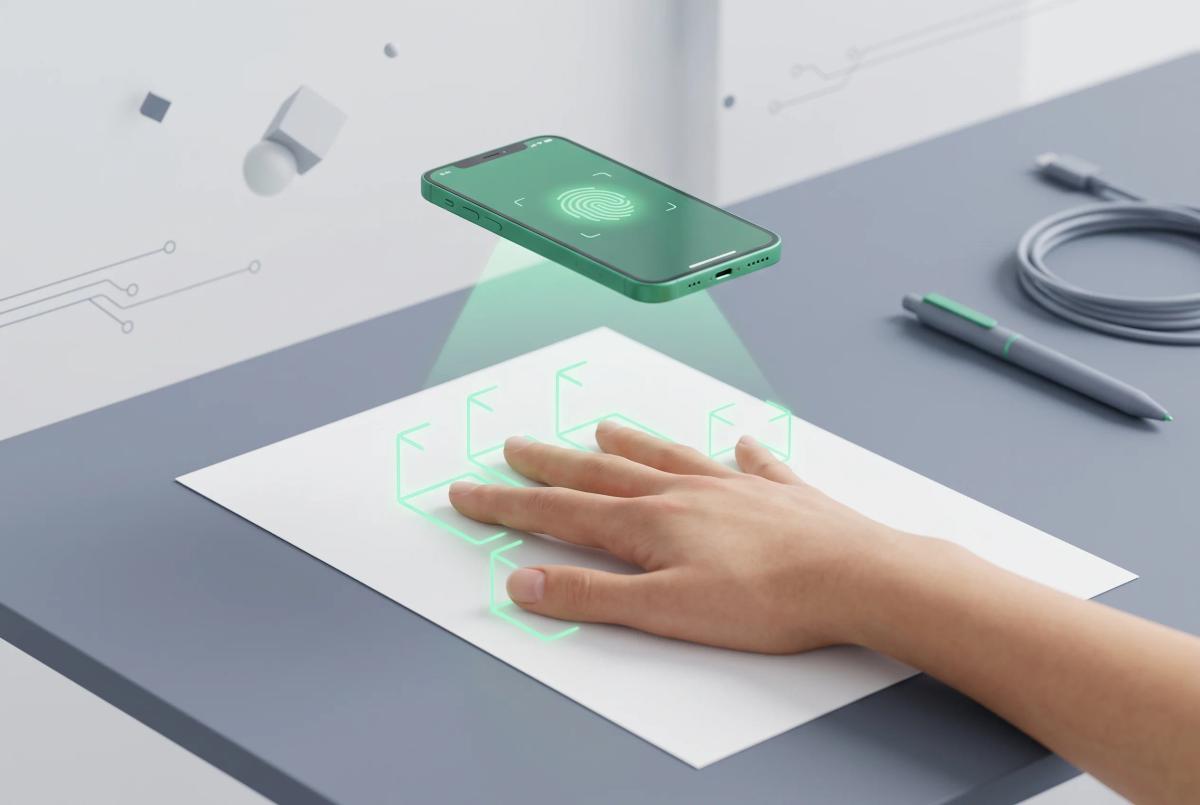
The nicop app uses your smartphone's rear camera as an optical fingerprint scanner. Because it relies on artificial intelligence to map ridge patterns, environmental conditions must be carefully controlled.
| Technical Parameter | Recommended Specification | Avoid |
|---|---|---|
| Camera Hardware | Minimum 12 MP with Auto-Focus | Fixed-focus or scratched lenses |
| Background Surface | Pure white, non-reflective printer paper | Dark, textured wood, or patterned cloth |
| Illumination | Diffused, bright natural daylight | Direct camera flash or yellow incandescent bulbs |
| Distance | 4 to 6 inches (10 to 15 cm) | Placing fingers too close to the lens |
| Finger Position | 4 fingers held straight and touching | Spreading fingers or curling fingertips |
The 5-Step Fingerprint Calibration Method
- Prepare the Backdrop: Lay a clean, blank white sheet of paper flat on a sturdy desk.
- Position Your Hand: Place your right four fingers (Index, Middle, Ring, Pinky) together flat over the paper. Keep your thumb tucked aside.
- Control the Lighting: Sit facing an open window during daylight hours. Ensure no harsh shadows fall across your fingertips.
- Align the Camera: Hold your smartphone steady and parallel to the desk surface. Slowly adjust the height until all four green detection boxes lock onto your fingertips.
- Skin Ridge Preparation: If your hands are dry or calloused, ridges will fail optical detection. Wash your hands with warm water and apply a tiny dab of moisturizing lotion 2 minutes before scanning.
Document Formatting & Image Guidelines
Improperly formatted attachments cause automatic document rejection and delay processing by weeks.
- Photograph Requirements: Must be taken within the last 6 months against a pure, seamless white background. No shadows, spectacles with glare, or covered foreheads. You can use the free Paksahulat Passport Photo Tool to crop and size your image to exact specifications.
- Document Scans: Upload previous CNIC/NICOP copies, foreign passports, and birth certificates in PDF or JPEG format. Ensure all four corners of the document are visible and text is legible without pixelation. Maximum file size per upload is 5 MB.
Tracking Your Application & Delivery Status
Once your application is submitted, monitor your progress via the tracking module on your dashboard:
- Submitted / Under Review: The application is in the queue for manual review by a case officer.
- Deferred: Action required. Check your registered email for an official query regarding an unclear document, invalid photograph, or biometric mismatch.
- Sent to Printing: The application has passed all security checks, and the physical smart card is in production at NADRA Headquarters in Islamabad.
- Dispatched: The card has been handed over to the international courier service (DHL for Zone A destinations). Your tracking number will be sent via SMS and email.
For complete fee breakdowns, delivery timelines, and international zone classifications, consult our comprehensive NICOP Pakistan Complete Guide 2026.


